
1.8.1 HTML5 Canvas Text Tutorial
Description
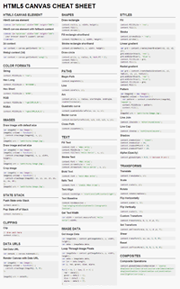
To create text with HTML5 Canvas, we can use the fillText() method. Text is defined with a string value and a position.
context.fillText("Hello World!", x, y);
HTML5 Canvas Text Example
Open in new window
<!DOCTYPE HTML>
<html>
<head>
<script>

function init() {
	var canvas=document.getElementById("myCanvas");
	var context=canvas.getContext("2d");

	var x = 250;
	var y = 200;
	context.fillText("Hello World!", x, y);
}


<body onload="init()">
	<canvas id="myCanvas" width="578" height="200">